
Sea Star Gelato, right now
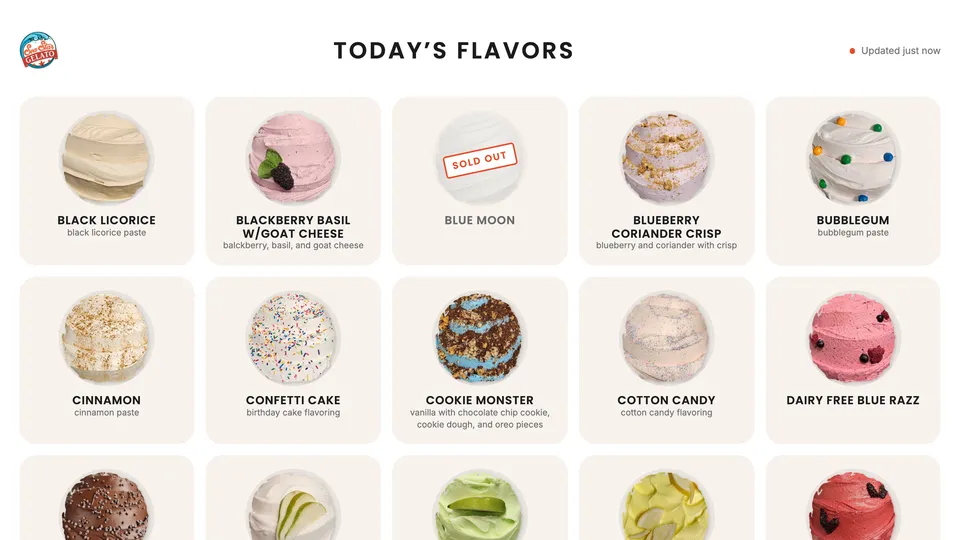
Sea Star runs a ~290-flavor catalog and puts about three dozen in the case each day. This is their board. When they mark a flavor sold out at the counter, it changes here too.
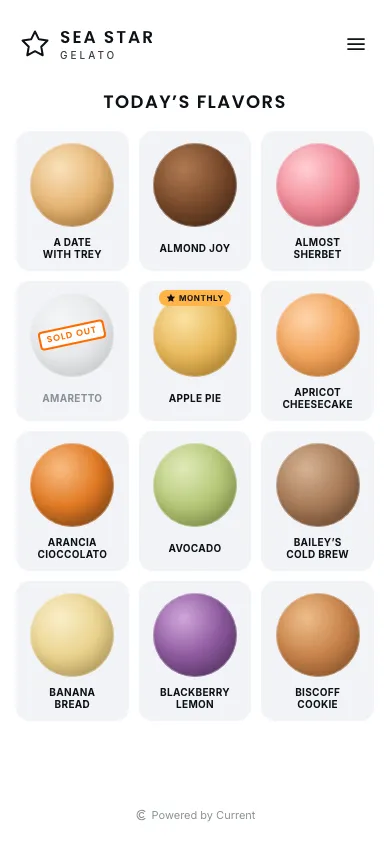
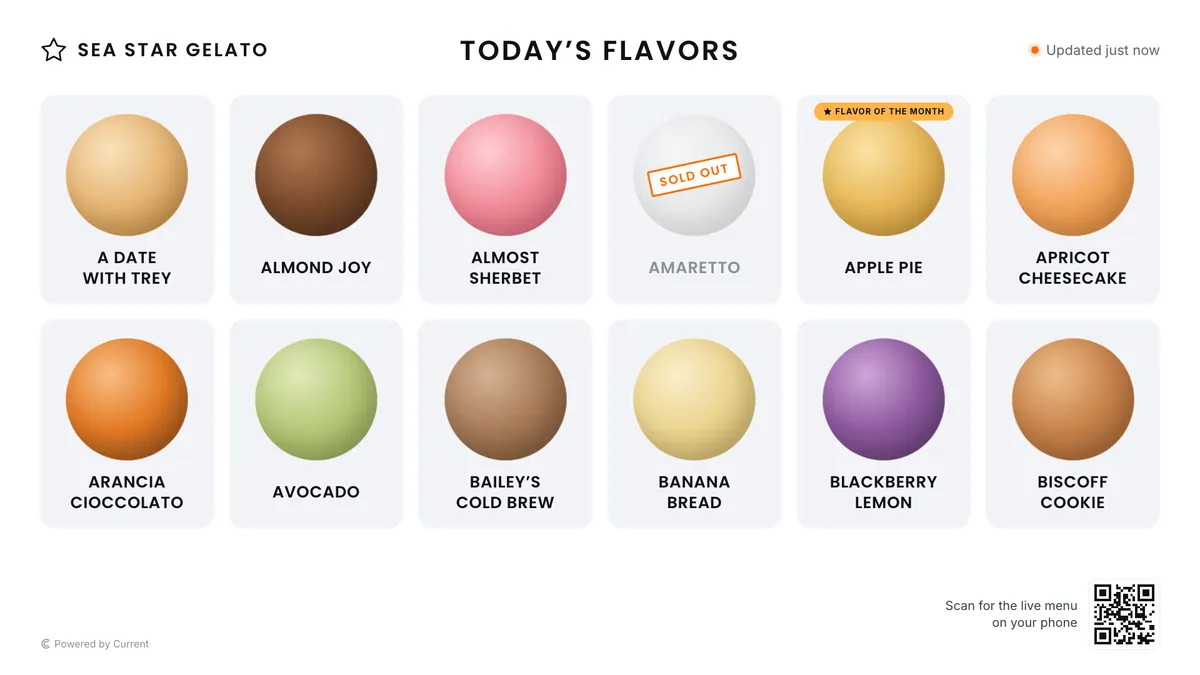
For your staff
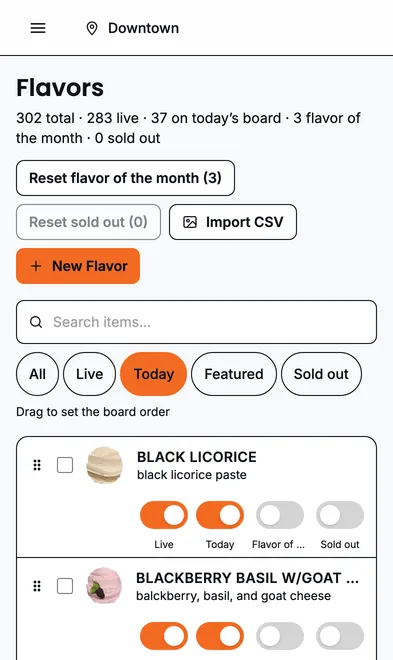
One tap at the counter. Every screen catches up.
A flavor sells out, someone taps Sold out on the phone in their pocket, and the board, the TV and your website all show it within a second. No refresh, no “let me update the site later”.
- 1Staff sign in with a link — no passwords to remember.
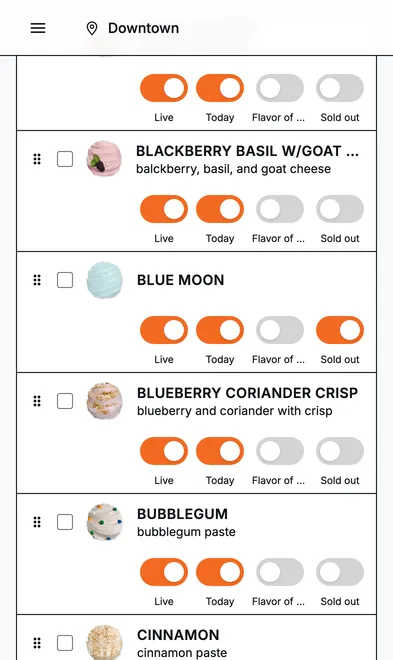
- 2They see only the switches they need: Today and Sold out.
- 3Sold-out flags reset themselves every morning.
The staff side
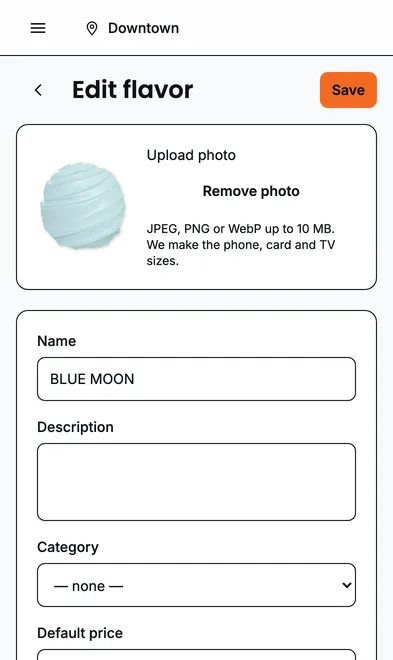
This is the whole job for the person at the counter: find the flavor, flip a switch. Managers get the editor underneath it; owners get branding, locations and billing.
Put it on your own site
This is the whole embed. Paste it where the board should appear — Duda, Squarespace, Wix, WordPress, Shopify or hand-built.
<script src="https://currentview.app/embed/v1/currentview.js" async></script>
<currentview-board tenant="sea-star-gelato" view="today"></currentview-board>
Builders that block scripts can use the iframe version instead — see Embedding on your website.